 |
 |

NCPG Proxy Settings
 |
|
PLEASE FOLLOW THE STEPS BELOW TO UPDATE YOUR COMPUTER WITH THE LATEST PROXY SETTINGS Step 1 : Download the latest proxy update to your computer Step 2 : Locate Double click on the file that was downloaded in import the settings to your computer Step 3. Upon receiving the security messages, just confirm by cliking on the Yes button If you followed the steps correctly, you will receive a message indicating that the update [proxy settings] was imported successfully to your computer.
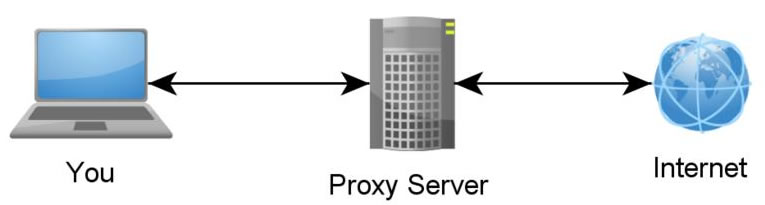
IMPORTANT QUESTIONS What Is Proxy Settings? In basic terms proxy settings allows you to connect to the internet on your computer. What if I do not update my proxy settings with this latest Update? You wont be able to connect to the internet |
| Eggie Smit Unit : Information Technology 053 838 2715 This email address is being protected from spambots. You need JavaScript enabled to view it. |
Northern Cape Office of the Premier
Physical address of Head Office
T&I Building
69 Memorial Road
Monuments Heights
Private Bag x5016
Kimberley
8300
Contact Telephone Numbers
053 030 0600
Email Addresses
ZLangeveldt@ncpg.gov.za
cynthiaJoseph@ncpg.gov.za
pmathakgane@ncpg.gov.za(Ministry)
VISION
A Modern, Growing and Succesful Province.
MISSION
Improving government’s performance through coordination, strategic leadership, and integrated planning and monitoring and evaluation.